|
Magnification, green square, area is opening on undefined location through “View/Magnifier”
menu item:
|
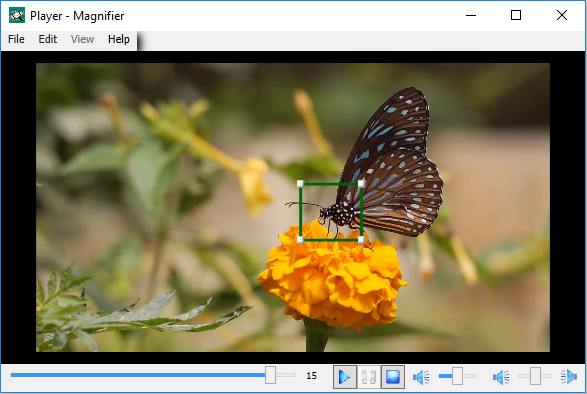
Fig.1
|
|
This magnification area can be moved and resized using mouse regardless of playback status
and magnification being active or not – but as long as magnification area still displayed:
|
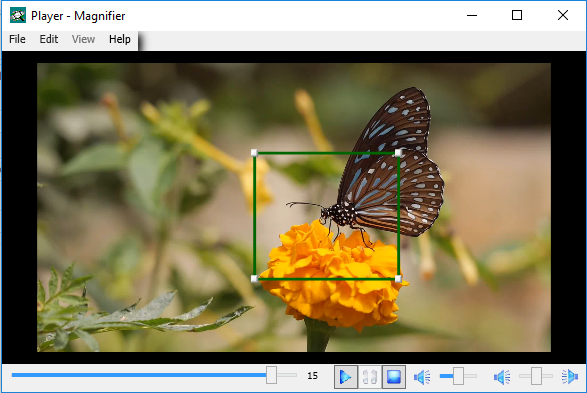
Fig.2
|
|
Right mouse click within magnification area invokes popup menu to control zoom value and to close
this magnification area which can be reopen any time later as long as video is open:
|
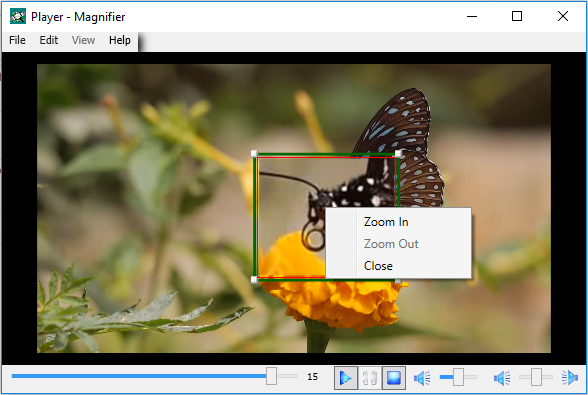
Fig.3
|